Chrome extension · three.js & React Three Fiber

See any websitein depth.

Click the icon and the page zooms out onto a canvas, split into layers you can rotate and pull apart. On 3D sites, fly a free camera through the real scene.

Works on any site · best on three.js

Press M to switch modes, Esc to leave.
Chrome 120 or newer · no account

Any website

Layers mode · background, 3D, HTML and fixed UI, whole page

three.js & R3F

Scene mode · the real scene, lights and camera, through its own pipeline

Your source code

Copy as R3F, three.js or JSON · or write edits straight back

Your AI agent

Claude Code, Cursor · over a local MCP server, paired by code

01 — On real sites

Every page, opened up. Every 3D scene, walked into.

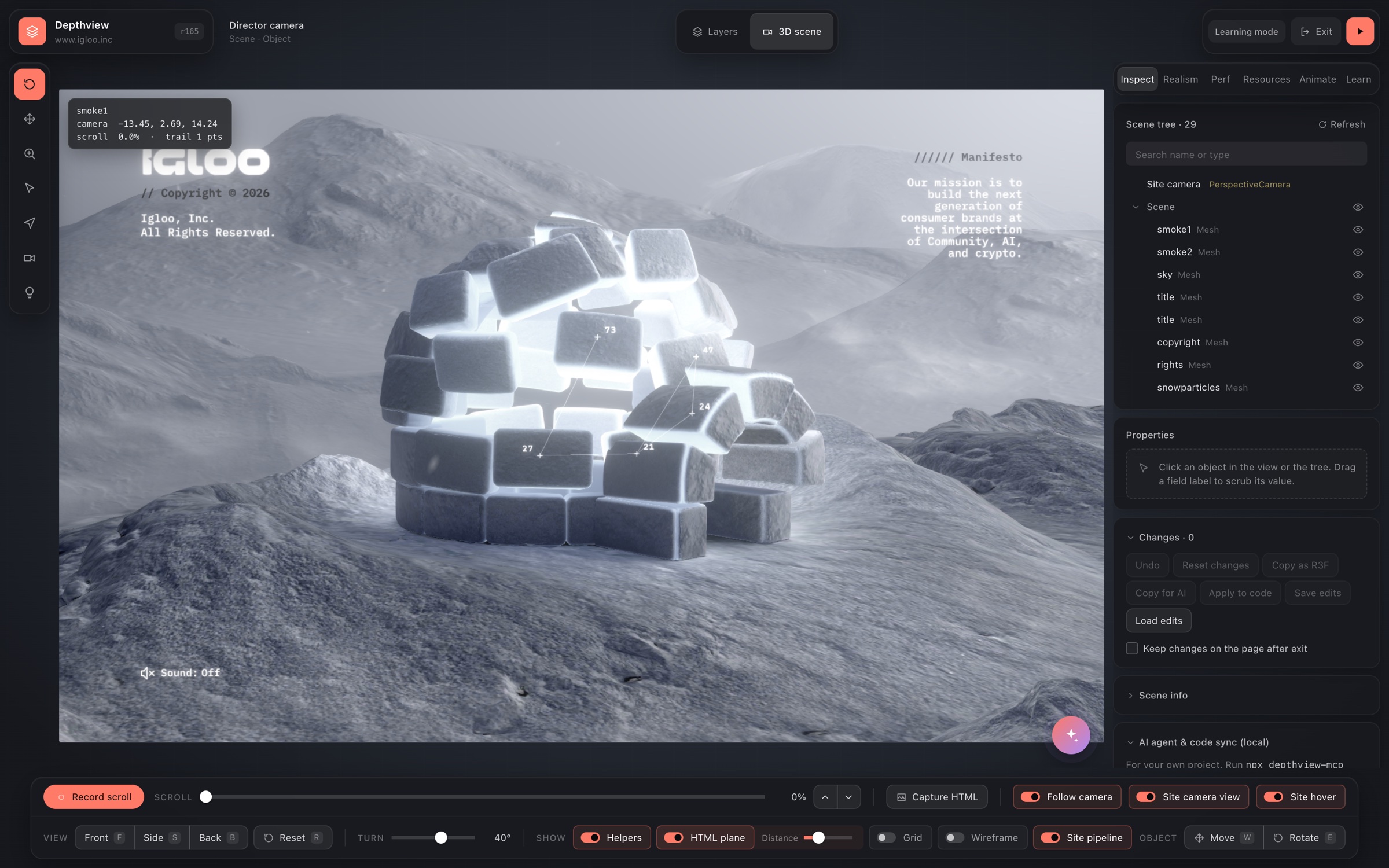
Depthview in scene mode on igloo.inc: the site's real three.js scene drawn from the director camera, with its scene tree and properties panel.
Depthview on igloo.inc · the real scene, its scene tree and every object’s properties
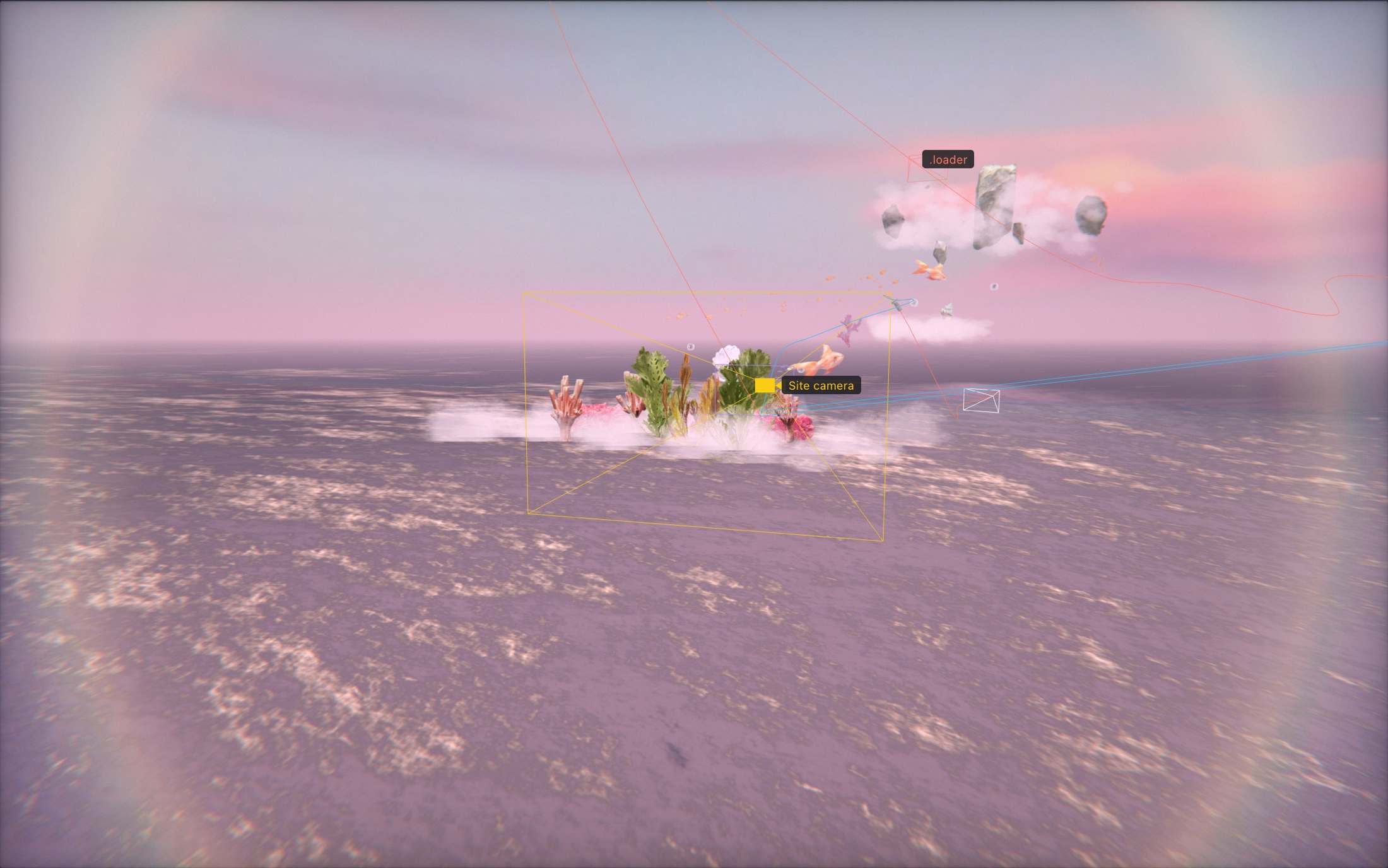
Depthview on organimo.com after recording the scroll: the island scene with the site camera's frustum and its path organimo.com

Record the scroll camera

One click scrolls the page top to bottom and draws the camera’s path, with a marker per section. Turn it into points you can drag, then save it as camera-path.json.

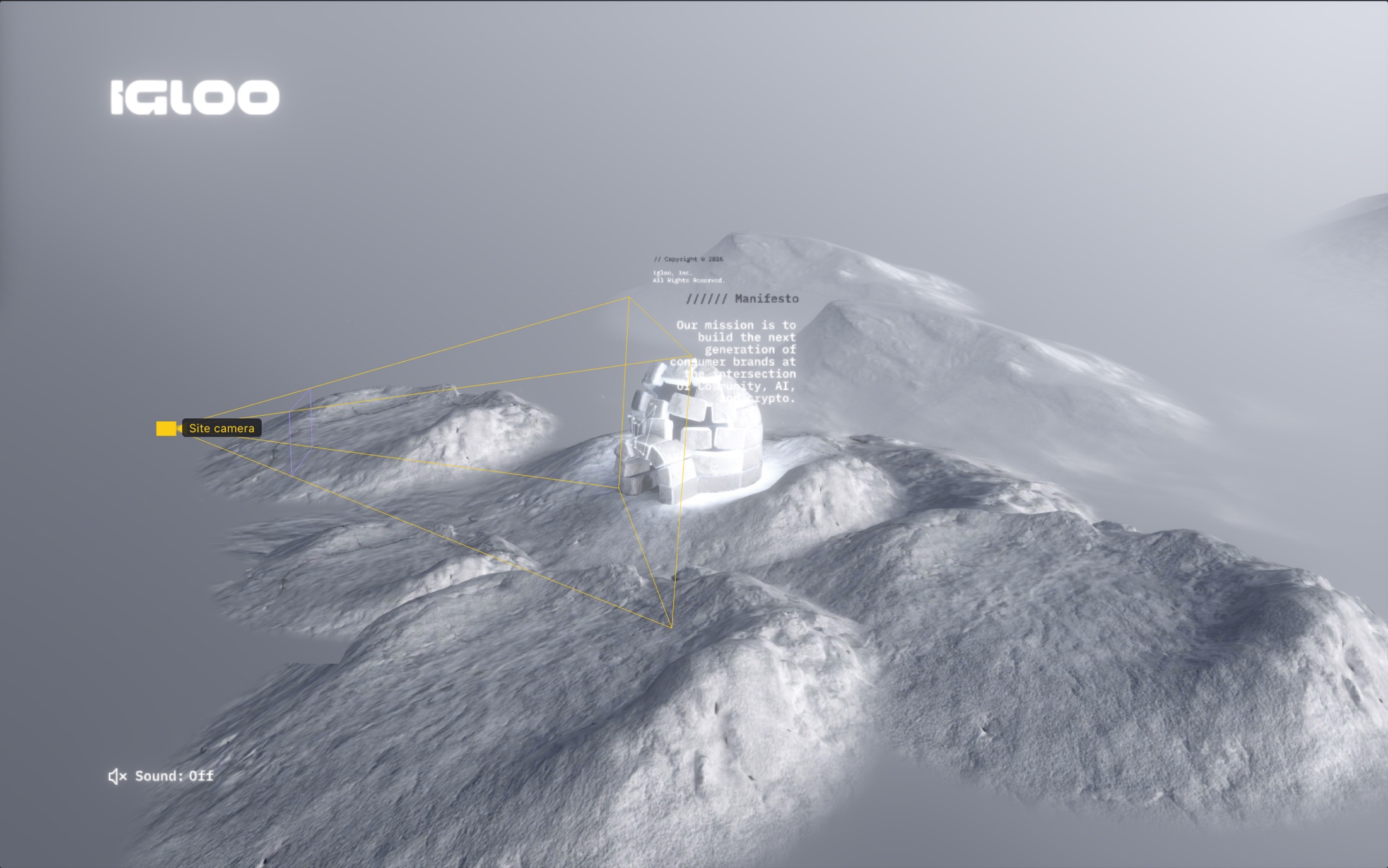
Depthview on igloo.inc with the free director camera: the terrain from above and the site camera's yellow frustum igloo.inc

Fly out of the site camera

Orbit the real scene freely. The site’s own camera stays drawn as a yellow frustum.

02 — Inspect & edit

Click anything. Change it live.

Pick an object in the view or the tree. Drag a field to scrub it, or grab the gizmo. Everything reverts when you leave.

Copy it as code

JSX for React Three Fiber, imperative three.js, or JSON. Original next to new.

Write it back to your source

In your own R3F project, pair the local server and click Apply to code. Literal props are rewritten in place, formatting and comments untouched.

03 — Realism

From first draft to studio shot.

A check scores the scene out of 100, names what holds it back and fixes each thing in one click. Drag the handle to compare.

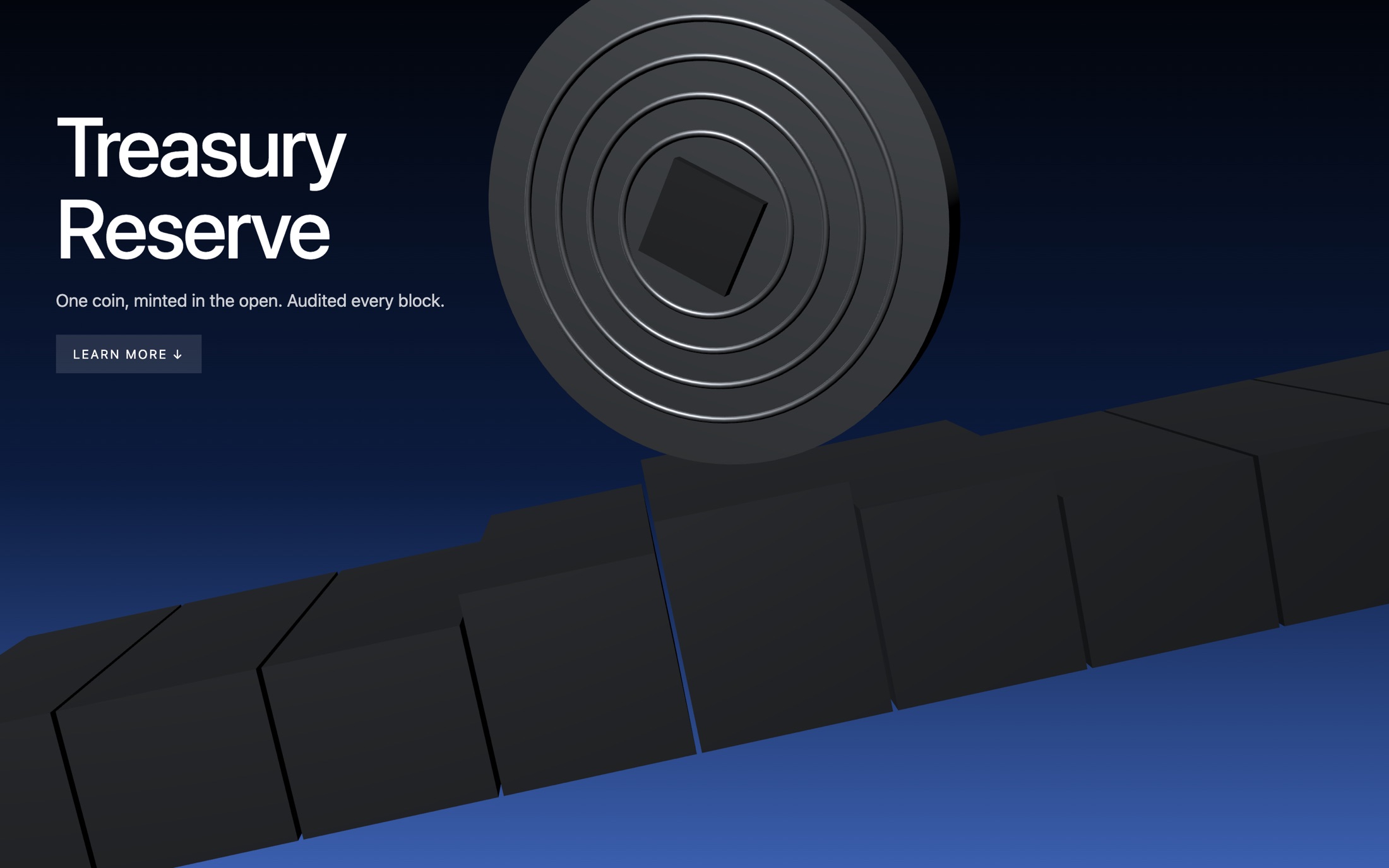
After: polished metal coin on bevelled blocks with studio lighting
Before: flat dark coin and blocks with first-draft lighting
Before · score 51 After · score 100

A check that fixes what it finds

Scored out of 100, each problem named, all fixed in one click, with the frame rate right next to it.

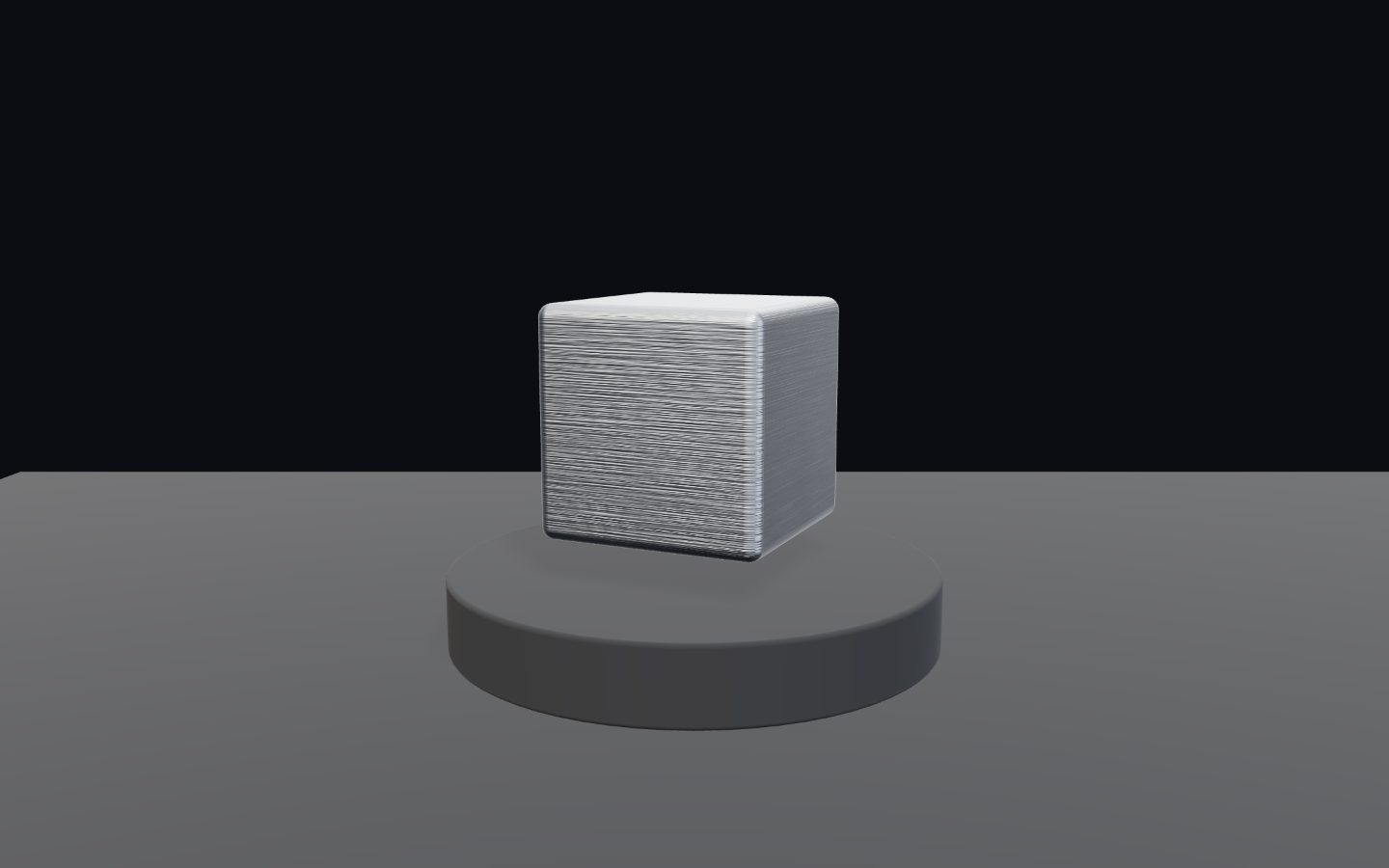
Drag the light, watch the highlight

Studio presets made of soft light boxes. Move one on the top-down pad and its highlight slides across your metal and glass.

One click to a real surface

Polished or brushed metal, gold, car paint, glass, ceramic, with fine detail like engraved text. Save it all as a look file.

New — Studio

Tune your own models on a node canvas.

Pick a model from your code or a section of your page, drop a picture of the look you want, and set environment, surface and realism from the nodes they feed. It makes no models: it tunes the ones you built.

Target a model or a section

Work on the whole scene, on one model you added in code, or on one section of the page while you look at it.

A reference picture

Drop the look you want. Studio measures how close your scene is and closes the biggest difference a step at a time.

Environment and surface

Studio, softbox, sunset or night light, exposure and tone mapping. Gold, glass, metal or ceramic on the model you picked.

A canvas, like a node editor

Wheel to zoom, drag to slide, move the nodes where you want them. The 3D view stays live beside it.

One brief for your AI agent

Target, reference and idea go out as one message, and your agent reads the same panel through the MCP server.

Saved with the look

Every value is part of the look file, so what you tune here ships with your site and can be undone.

04 — Performance

Every frame, counted.

Frame time, draw calls, triangles and render passes, live while you scroll. Then open a single frame and see every render call in order.

What costs what

Each part of a look with its own frame cost, so you know what to drop first.

Lighten

One click steps the look down until the frame rate is back.

Step down on slow devices

The saved look lightens itself on phones, without a second version.

05 — AI agent

Ask for the look. Watch it land.

Run the local server, type its six-digit code, and your agent sees the live scene. It measures, tunes and tests, then writes the result into your project.

  • “Make this a studio product shot”
  • “Add slow dust in the light”
  • “Why is it pixelated?” · a visual test with evidence
  • “Why is the page blank?” · one diagnosis, with the fix
claude — my-site


Private by design

No network by itself

Screenshots, scene data and edits stay in the tab. No analytics, no account.

Local server only

The one connection it opens is a WebSocket to 127.0.0.1, inside your project folder.

Assistant only if you ask

Questions send names and numbers. The site’s textures and models are never sent.

Gone when you leave

Every change is reverted on exit, unless you tick keep changes.

A learning tool

Learn how a site is made. Don’t copy its models, textures or code.

06 — The three.js MCP

Your agent builds it. Then proves it.

The MCP server gives your coding agent eyes on the live scene and a skill for building 3D sites. It measures what it made, fixes what it finds, and writes the result into your project.

Before: a grey cube becomes a lit perfume bottleBefore
After: a grey cube becomes a lit perfume bottleAfter

First draft to product shot

Light, surfaces and lens, checked on the live page and written into your code.

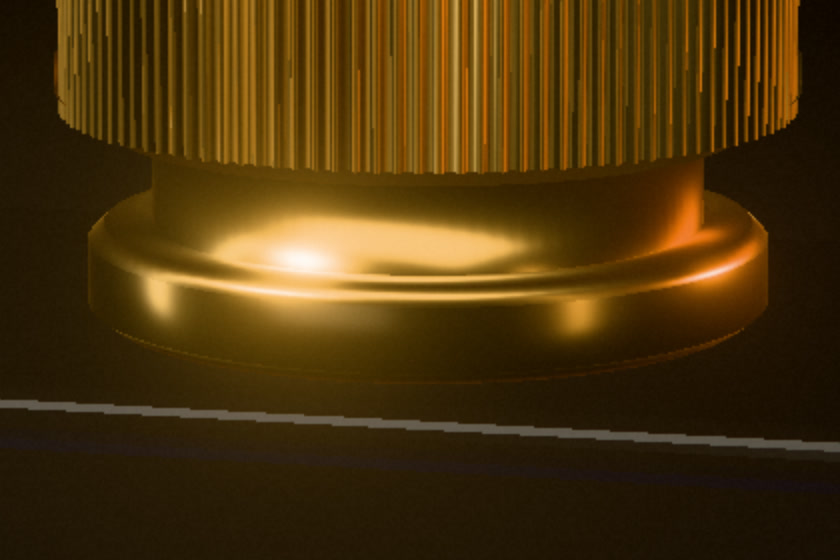
Before: stair-stepped edges on a gold cap become smoothBefore
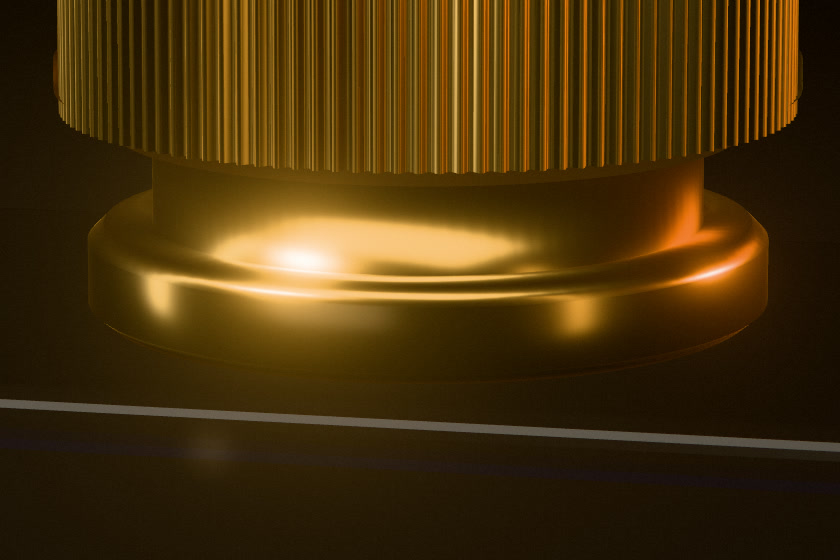
After: stair-stepped edges on a gold cap become smoothAfter

Jagged edges, found and fixed

The audit measures the canvas against the screen and names the cause.

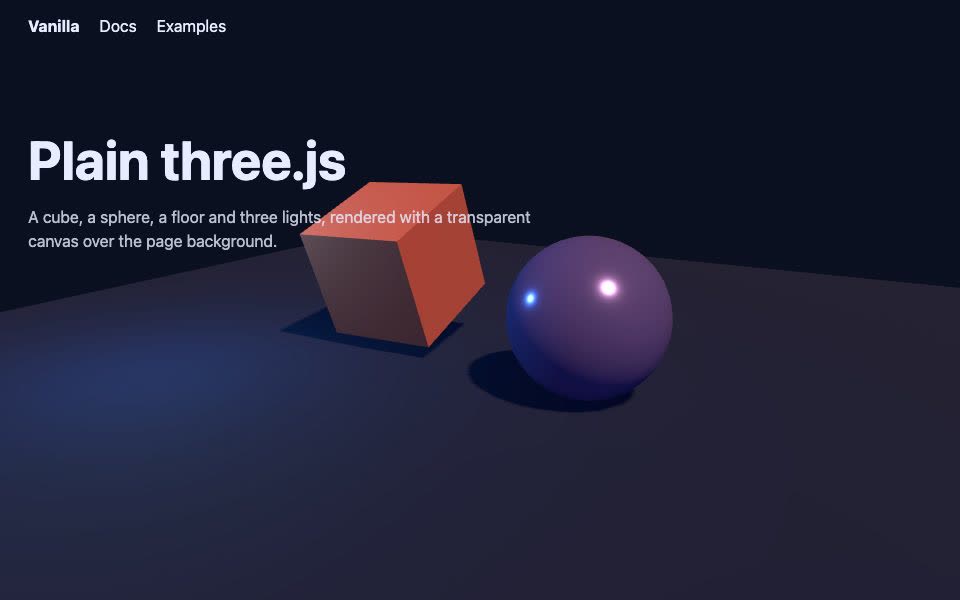
Before: a plain scene gains a swirling portalBefore
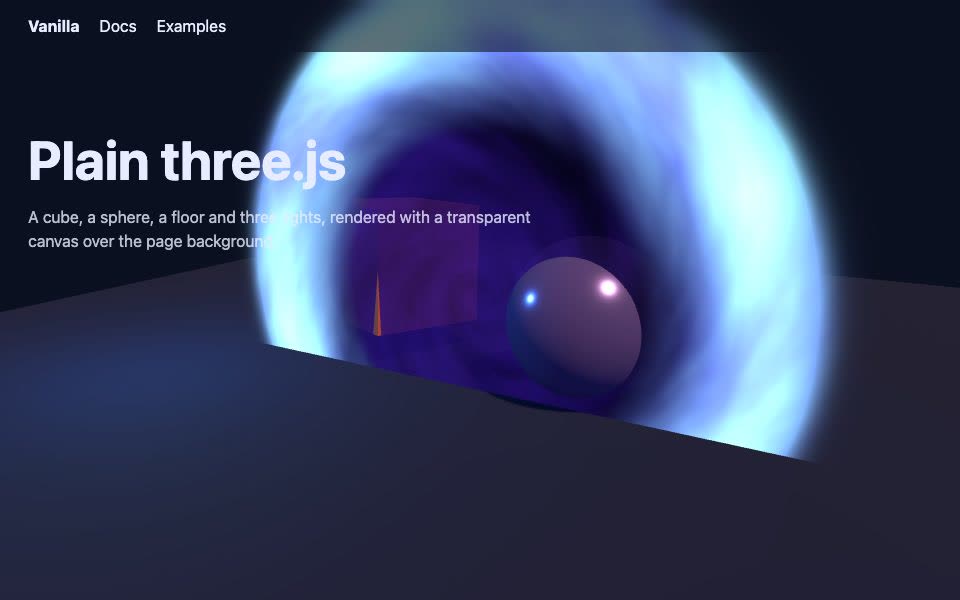
After: a plain scene gains a swirling portalAfter

Effects by name

Portal, liquid metal, dissolve and more, added live and exported as code.

  • diagnoseOne call for “it does not work”: the cause and the fix.
  • review_siteDesign faults measured at every scroll stop, desktop and phone.
  • audit_motionNothing snaps, nothing jumps, the scene is alive at rest.
  • create_siteA finished product page to start from, not a spinning cube.

Built with it, live: Noctua, a perfume page

Also in the panel

The rest of the toolbox.

FAQ

Good questions.

Which sites does it work on?

Layers mode works on any website. Scene mode needs a site built with three.js or React Three Fiber; the extension hooks three.js before the site’s own code runs, so reload tabs that were open before you installed it.

Does it change the site?

Only in your tab, and only while it is open. Everything you change is reverted when you exit, unless you tick Keep changes on the page after exit.

Can I save my edits to my own project?

Yes. Add depthview-r3f-bridge to your dev server, run npx depthview-mcp, pair with its code and click Apply to code. None of the bridge reaches production.

Does anything leave my computer?

Not by default. The optional assistant sends your question with object names and numbers, never the site’s textures or models. The local server talks only to 127.0.0.1.

Can I use it to copy a site?

No. Depthview is a learning tool: inspect how a site is made, then build your own. Don’t copy its models, textures or code.

The next site you love is one click from opening up.

Chrome 120 or newer · no account · nothing leaves your tab